Monitor
Decide resolution and refresh first
1080p at 60Hz needs far less card than 1440p at 144Hz.
 Lumivane
Visit the shop
12, Saeun-ro, Jongno-gu, Seoul, 03157, Republic of Korea
Mon–Fri: 09:00–18:00
+82-2-2268-1234
Buying guide · Seoul
First-time buyers get tripped up by the same four things: memory, power, physical size, and the monitor. This guide walks through them in the order they actually matter when you are standing in front of a parts list.
Start here
Read in this order
Your monitor sets the target. 1080p at 60Hz needs far less card than 1440p at 144Hz, and buying for a monitor you do not own yet is how people overspend. Decide resolution and refresh rate first, then match the card to it. A G-SYNC display and an RTX card are often bought together, and the pairing should be checked as a pair.
If you already own a monitor, write its resolution and refresh rate at the top of your parts list. If you are buying both at once, fix the monitor first — it sets a hard target the card has to meet, and it is the part you will keep through two or three GPU upgrades. Working backwards from the card is what pushes people into a tier they cannot use at their own desk.
1080p 60Hz
Entry tier covers it. Spending more here buys headroom you cannot see.
1080p 144Hz
Both the 5060 and 5060 Ti work when you want high refresh at 1080p.
1440p 144Hz
An RTX 5070 is a reasonable match here. An RTX 5060 is not.
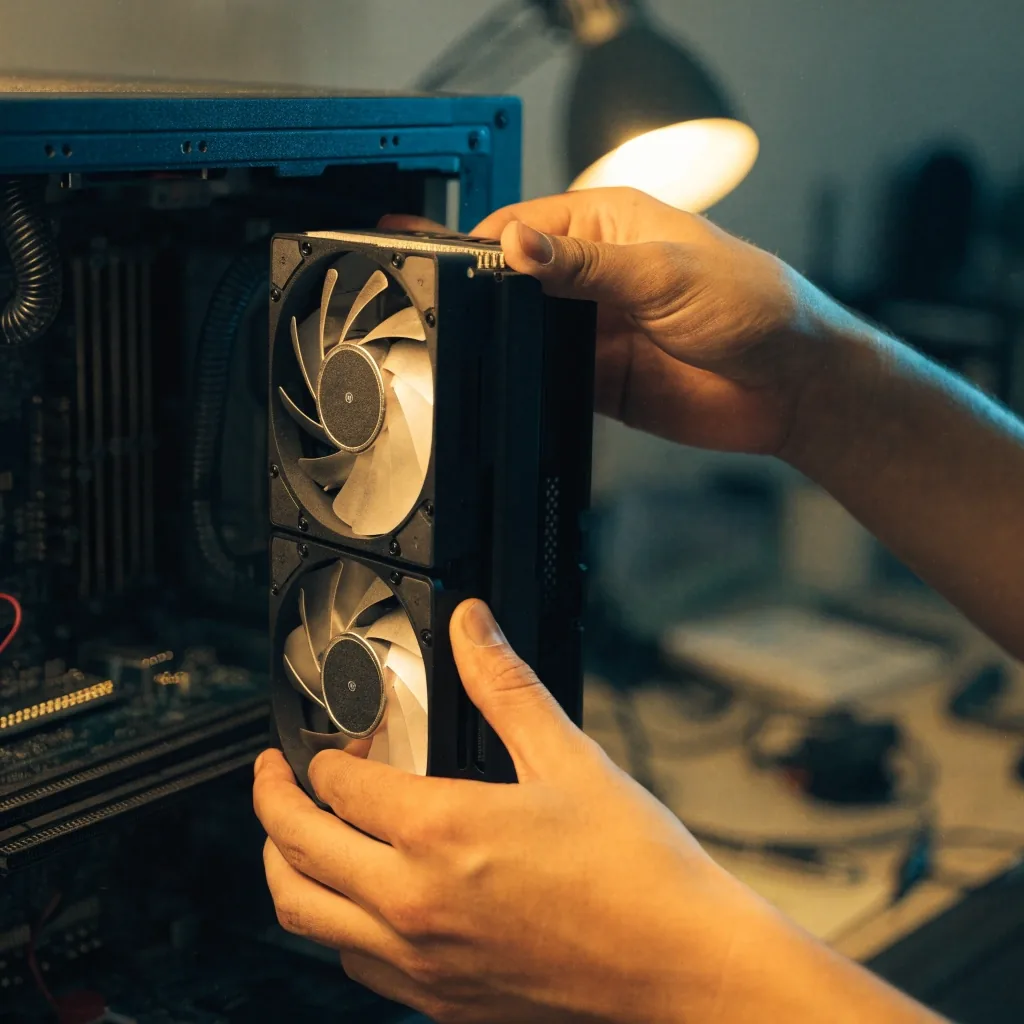
8GB handles current 1080p gaming. 12GB is a comfortable 1440p baseline. 16GB gives you room for high textures, future titles, and any video or 3D work. The RTX 5060 Ti 8GB is the card where this decision is sharpest, because the 16GB version exists and the memory is the only real difference.
The 8GB and 16GB variants of the 5060 Ti carry the same GPU. The money buys memory and nothing else — so the question is whether you will actually run textures, resolutions, or applications that need more than 8GB in the next few years. If you keep higher texture packs, edit video, or model in 3D, the 16GB version answers the question once instead of asking it again.
Check before you buy
Check your PSU wattage and connector type before anything else. Modern cards want more headroom than the total system draw suggests, because transient spikes are real. If your PSU is older or close to its limit, budget for a replacement in the same build. It is cheaper than diagnosing random shutdowns later.
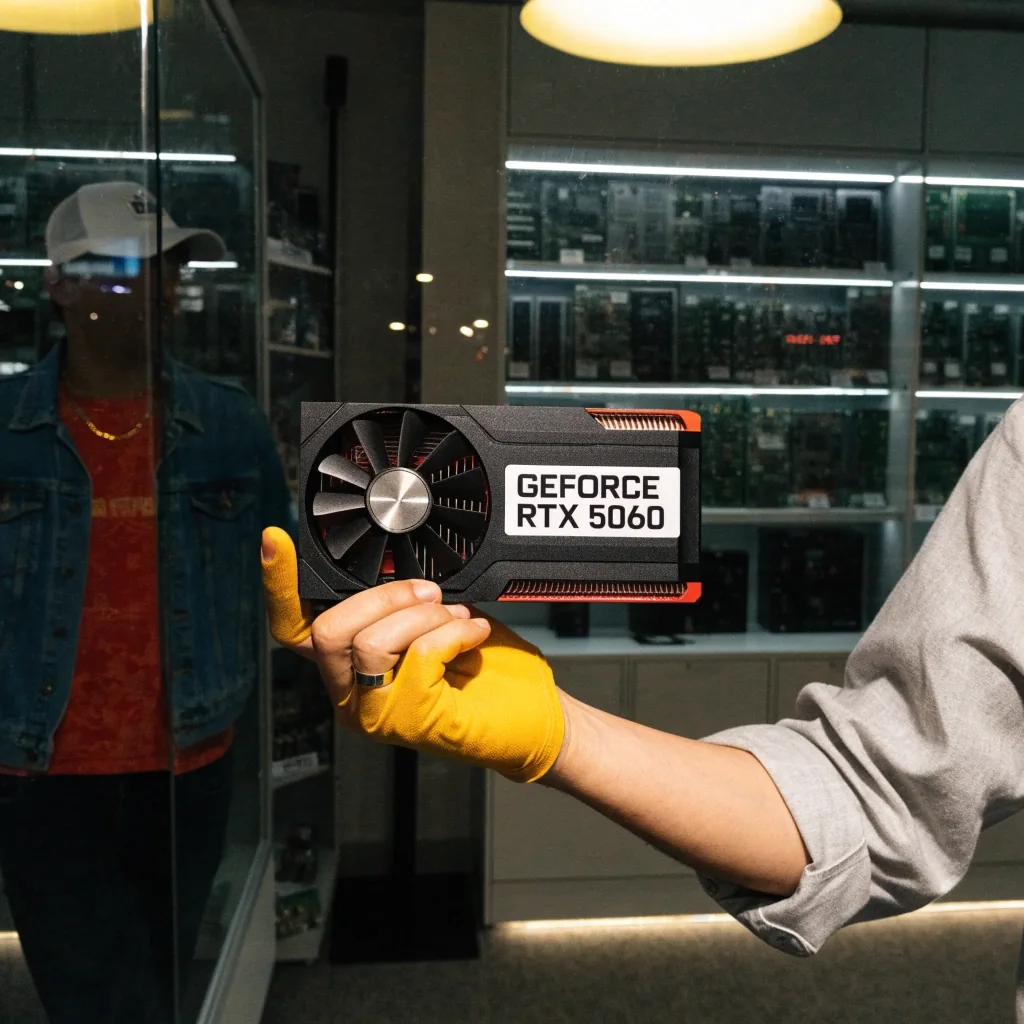
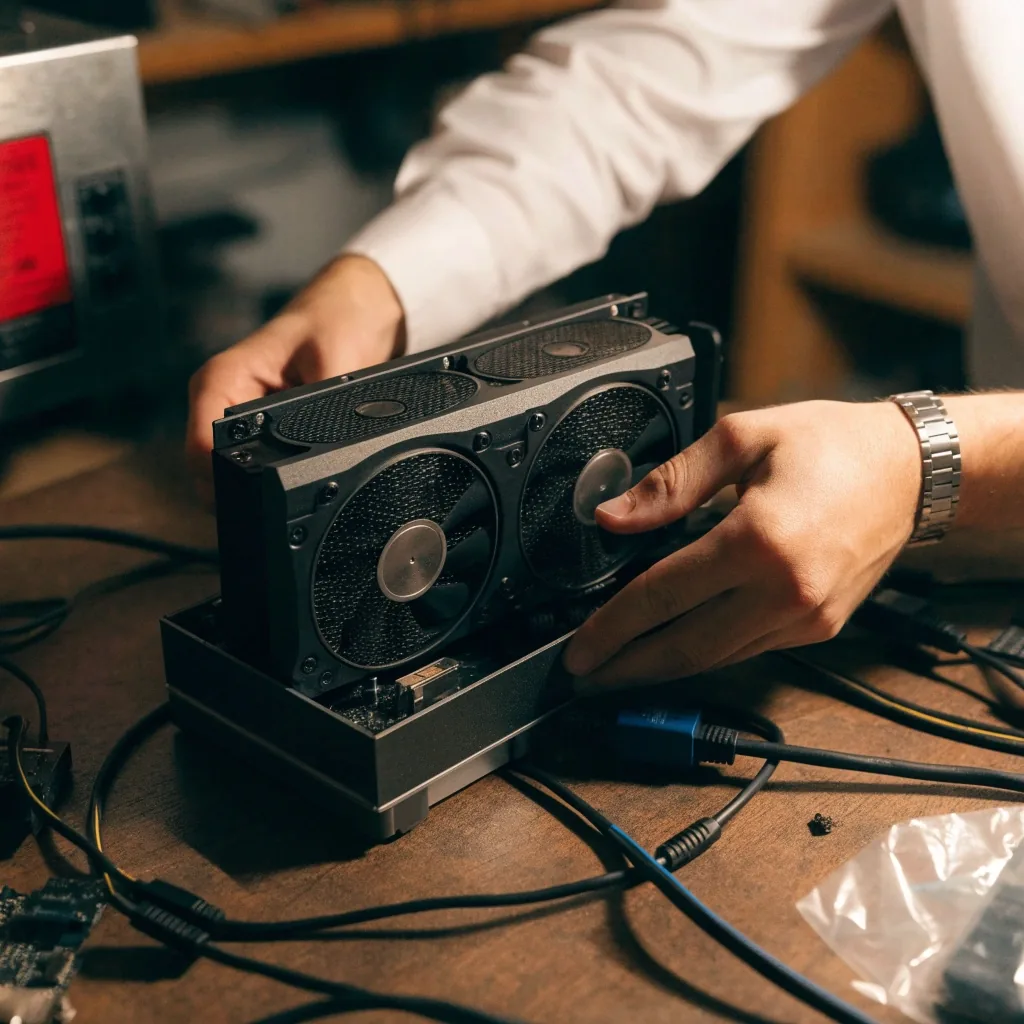
Measure the internal clearance in millimetres. Dual-fan cards fit small form factor Korean cases; triple-fan cards often do not. The MSI RTX 5060 Ti VENTUS 2X PLUS OC is our go-to example of a compact dual-fan mainstream card. Length, slot width, and cable routing all need checking, in that order.
Length is the number cited on every product page, but slot width decides whether the card chokes the next slot and cable routing decides whether the side panel closes. Korean small form factor cases often leave the GPU bay tight, so bring the measurement and the model number together before ordering.
Set the budget, then pick the tier, then pick the cooler. That order prevents the common mistake of buying a tier up and running out of money for a decent monitor.
Entry
The honest starting point for a 1080p build at 60 to 144Hz. Leaves money on the bench for a monitor you will actually keep.
Midrange
For 1080p high-refresh and 1440p. The 5060 Ti carries VRAM or cooler choices; the 5070 opens up 1440p at high refresh.
High-end
Chosen when you already have a 1440p high-refresh or 4K monitor and want the card to match it. Not a starting point.
Where the listings move first
Danawa is the Korean price comparison platform where GPU listings move first. Use it to see the current spread across retailers for a specific model before you commit. The figures below are examples of how fast listings change in this market, not a forecast for what you will pay.
Observation, not a forecast
₩740,860
A dual-fan MSI RTX 5060 Ti listing moved from around ₩740,860 up to about ₩1,109,280 in a short window.
Factory overclocked cards from AIB partners ship with higher boost clocks. The performance gain over a reference card is modest. What you are usually buying is a better cooler and quieter operation. Read the cooler spec before the clock spec, and ignore the number if the cooler is the same.
Read the cooler first
Fan count, heatsink size, and noise under load move the day-to-day experience more than a few MHz.
Clock spec, read second
Boost clock differences between AIB models are modest at the card's own noise and power limits.
Pairing
For a 144Hz 1440p monitor, an RTX 5070 is a reasonable match and an RTX 5060 is not. For 1080p at 144Hz, the 5060 and 5060 Ti both work. The rule is simple: pick a card that can push your monitor's refresh rate in the games you actually play, at the settings you actually use. Marketing resolution numbers do not count.
If your display and card are from different generations, the pairing still needs checking — the card has to be able to feed the refresh rate you already paid for.
If you edit video, render 3D, or run local AI models, VRAM and CUDA become primary instead of secondary. NVIDIA has been extending the RTX platform into creator and AI work, and RTX Spark appeared in its 2026 COMPUTEX announcements as part of that positioning. Tell the shop your workload and the recommendation changes.
Workload is the missing piece in most builds: a gaming-only card can look overpriced next to a creator card, and the other way around. Bring the software you actually use — the timeline, the renderer, the model size — and the tier recommendations move with it.
Before you order
Open the questions that match your build. If your case, monitor, or PSU is not on the list, bring the model numbers to the store and we will talk through it.
It depends on wattage and connector type. Modern cards spike above their sustained draw, so headroom matters more than the total suggests. If your PSU is older or runs close to its limit on the rest of the build, budget for a replacement in the same plan.
For current 1080p gaming, yes. If you plan to run higher texture packs, or use the card for video or 3D work later, 12GB or 16GB saves you a second purchase. This is the same 8-versus-16 decision spelled out in the VRAM chapter above.
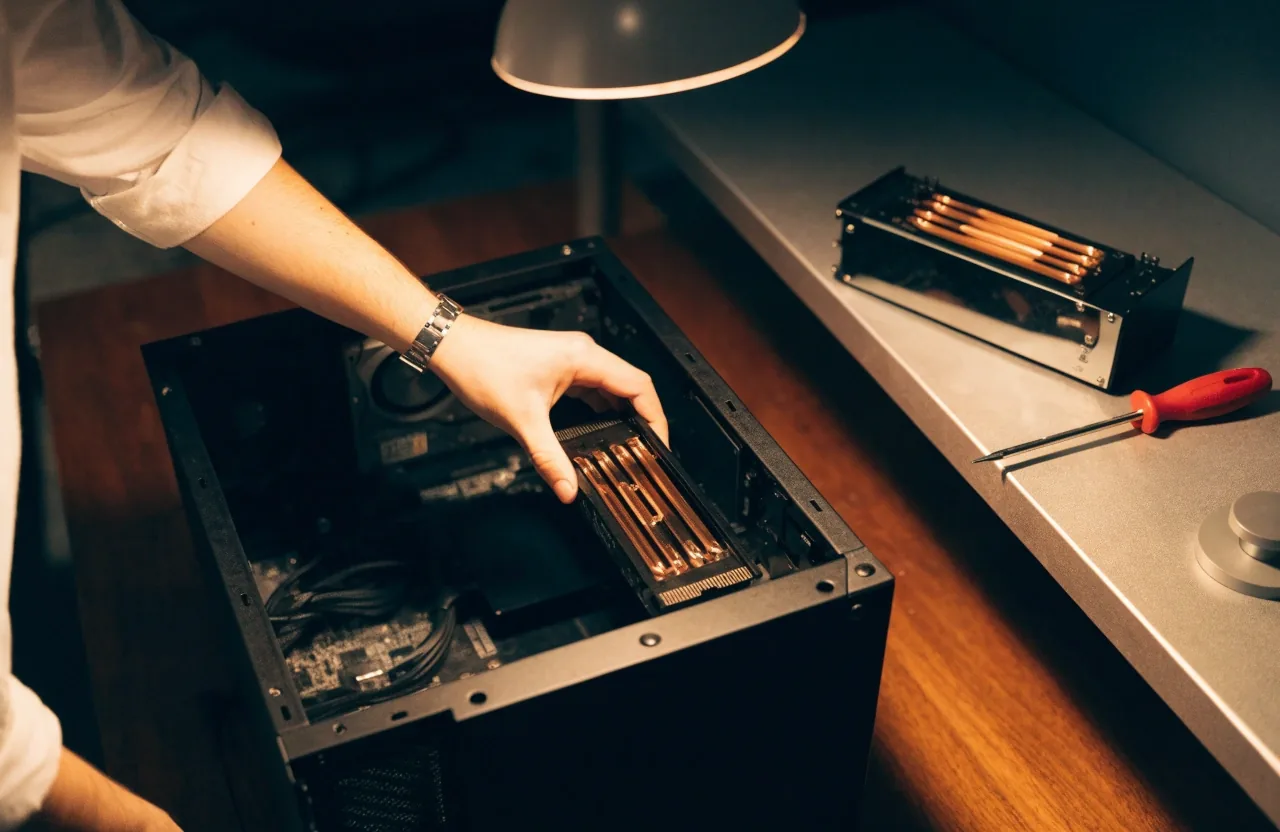
Often not. Small form factor cases are built around compact dual-fan coolers, and triple-fan cards tend to run out of length or breathing room. Measure in millimetres and compare against the card's length, slot width, and cable routing before you order.
Open Danawa for the exact model you are considering and read the current spread across retailers. Listings move quickly, so compare the same model rather than the same tier, and treat any single figure as a snapshot rather than a forecast.
Yes. Bring the resolution, refresh rate, and the games you actually play. We check whether the card can push your display's refresh rate at the settings you use, and a G-SYNC pairing is checked as a pair rather than as two separate picks.
Come to the store with your monitor model, PSU wattage, case inner measurement, and the games you play. We compare the tier, the cooler, and the monitor pairing in one sitting, and you leave with a build that fits what you actually own. If you are still deciding between two cards, we can walk the difference line by line.
Store
Lumivane GPU Store
12, Saeun-ro, Jongno-gu, Seoul, 03157, Republic of Korea
Drop by the storefront bench in Jongno-gu, or send the parts list ahead and we will look at it before you arrive.