Lumivane GPU Store Lumivane GPU Store · Seoul
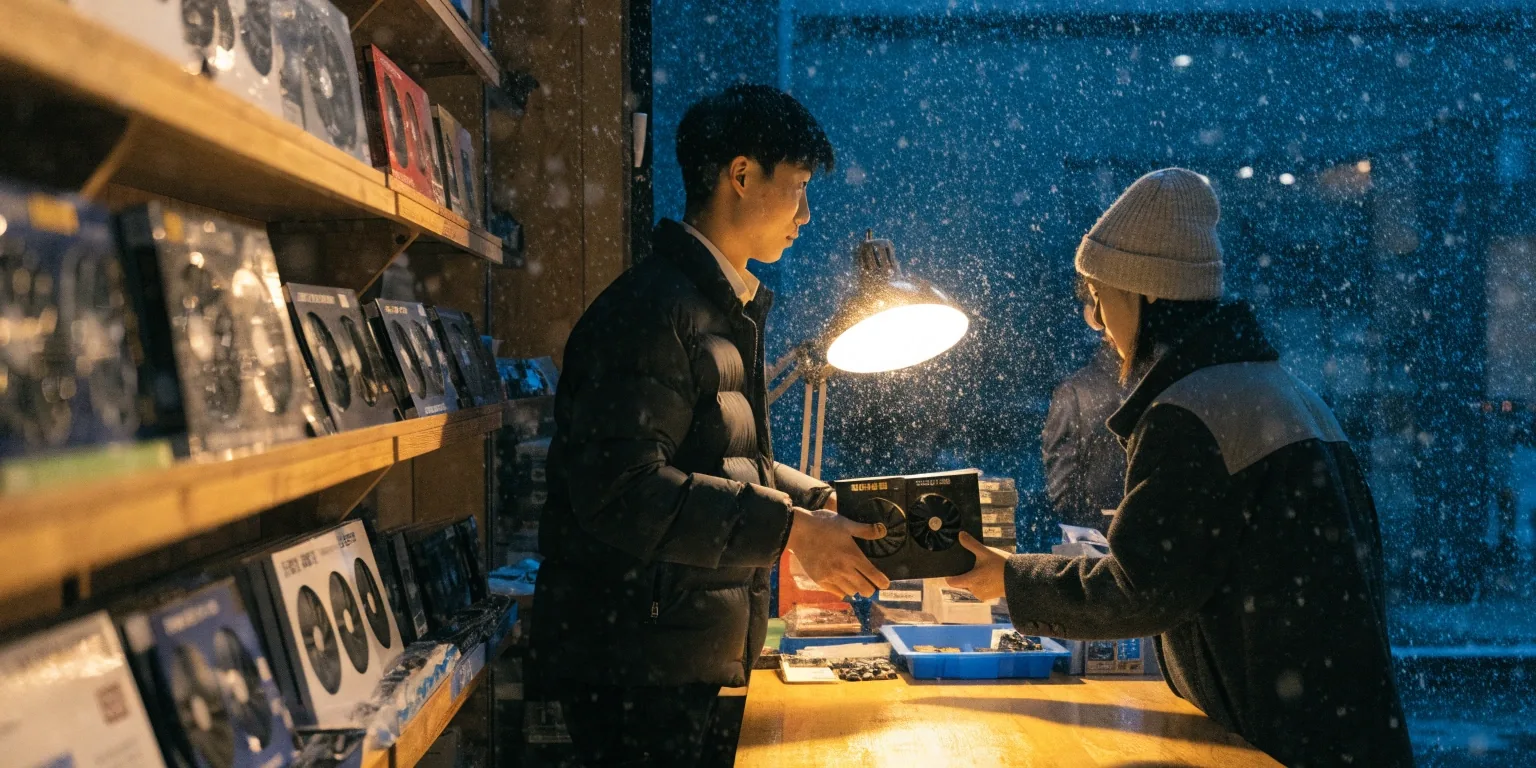
A three-fan graphics card held in a bench vise under a single warm lamp on a workbench, with a dark snow-lit window behind

GPU store · Jongno-gu, Seoul

Choose your next graphics card in Seoul

We stock current NVIDIA RTX 50-series cards and AMD Radeon options on Saeun-ro, and we write the specs out in plain language so you can decide before you visit.

The July bench lineup

1440p mainstream

RTX 5070

1080p / light 1440p

RTX 5060

Compact builds

RTX 5060 Ti 8GB

Textures and headroom

RTX 5060 Ti 16GB

AMD high-end raster

Radeon RX 9070 XT

Dual-fan compact AIB

MSI 5060 Ti VENTUS 2X

Display pairing

G-SYNC 144Hz 1440p

If you have been watching RTX 5070 listings drift past 1.1 million won on Korean comparison sites, you already know why the choosing part matters more than it used to. Bring your monitor resolution and your case model, and we can narrow the shortlist to two or three cards on the spot.

Close macro view of a graphics card fan shroud and heatsink fins lit from above by a warm lamp

Where most Korean buyers start right now

Most people who walk in are building one PC and want to get it right the first time. The usual shortlist keeps coming back to the same three answers, and they map cleanly onto the monitor you already own.

Bring your monitor resolution and your case model. Nothing else is strictly necessary to start the conversation.

If you play at

Start with

1080p, high refresh

RTX 5060

1080p now, 1440p soon

RTX 5060 Ti

1440p, mainstream

RTX 5070

High-end raster, no DLSS need

RX 9070 XT

The compare page puts these answers side by side, category by category, if you want the reasoning spelled out before you come in.

RTX 50-series

The RTX 50-series lineup, without the marketing layer

NVIDIA's current family runs from the base RTX 5060 up through the 5060 Ti in 8GB and 16GB versions, then the RTX 5070. Every card here supports DLSS and hardware ray tracing, which is the main practical argument for NVIDIA over AMD for a lot of buyers.

The RTX 5060 has an official NVIDIA Korea page in the 50-series lineup, so availability and driver support are settled questions at this point. What is not settled is which one belongs in your case, and that is what we are here for.

Top of the stack

RTX 5070

Position in family

Mainstream 1440p

DLSS and ray tracing

Supported

Memory generation

GDDR7

Ti family options

8GB / 16GB

Spec leaflets for each card sit on the catalog page, and the full category-by-category reading is on the compare page.

Eight gigabytes, and when that stops being enough

The RTX 5060 Ti 8GB is the card people ask about most, and also the one we warn about most. It is the cheaper half of the 5060 Ti family, and it handles current 1080p games fine. Modern titles that stream large textures start pushing against 8GB at 1440p with high settings.

If your budget stretches to the 16GB version, that is the difference between a two-year card and a four-year card. It is not a marketing line, it is how long the card stays comfortable in your case before you start closing settings.

Reading the ceiling

1080p, current titles

Comfortable at 8GB

1440p high textures, new titles

Pushes against 8GB

12GB or 16GB

More room before a limit

Why AMD keeps coming up in the same conversation

The Radeon RX 9070 XT is the AMD card Korean buyers ask about by name. It uses GDDR6 instead of GDDR7, which is the main reason it has been less exposed to the RTX 50-series price pressure tracked on Danawa through 2026.

You give up DLSS and NVIDIA's ray tracing performance edge. You keep high-end rasterization and a lower entry price. For someone who plays mostly raster titles and does not lean on upscaling, that trade is worth taking seriously.

What the trade looks like

Memory generation

GDDR6

DLSS support

Not available

Strength

High-end raster

Case clearance first

Card size is a real constraint in Korean builds

A lot of the cases selling in Korea are compact, and a 300mm triple-fan card does not fit all of them. The MSI RTX 5060 Ti VENTUS 2X PLUS OC is the example we point to: a dual-fan, compact AIB partner card built for exactly this.

Measure the clearance inside your case before anything else. Card length, then slot width, then power connectors. If you bring the case model, we can check it against the cards on the shelf while you wait.

Step one

Card length in mm

Step two

Slot width

Step three

Power connectors
Factory overclocked cards

AIB partner cards ship with higher boost clocks out of the box. The gain over a reference card is real but modest in most games.

What you are usually paying for with an OC model is the cooler, not the clock: larger heatsinks, quieter fans under load, better sustained performance in a warm room. In Seoul apartments without strong airflow, that matters more than the spec sheet suggests.

Matching the card to the monitor

A G-SYNC display and an RTX card are often bought in the same upgrade, and the pairing should be decided together. A 144Hz 1440p monitor with an RTX 5060 is a mismatch you will feel.

Match refresh rate to what the card can actually push in the games you play, not to the highest number on the box.

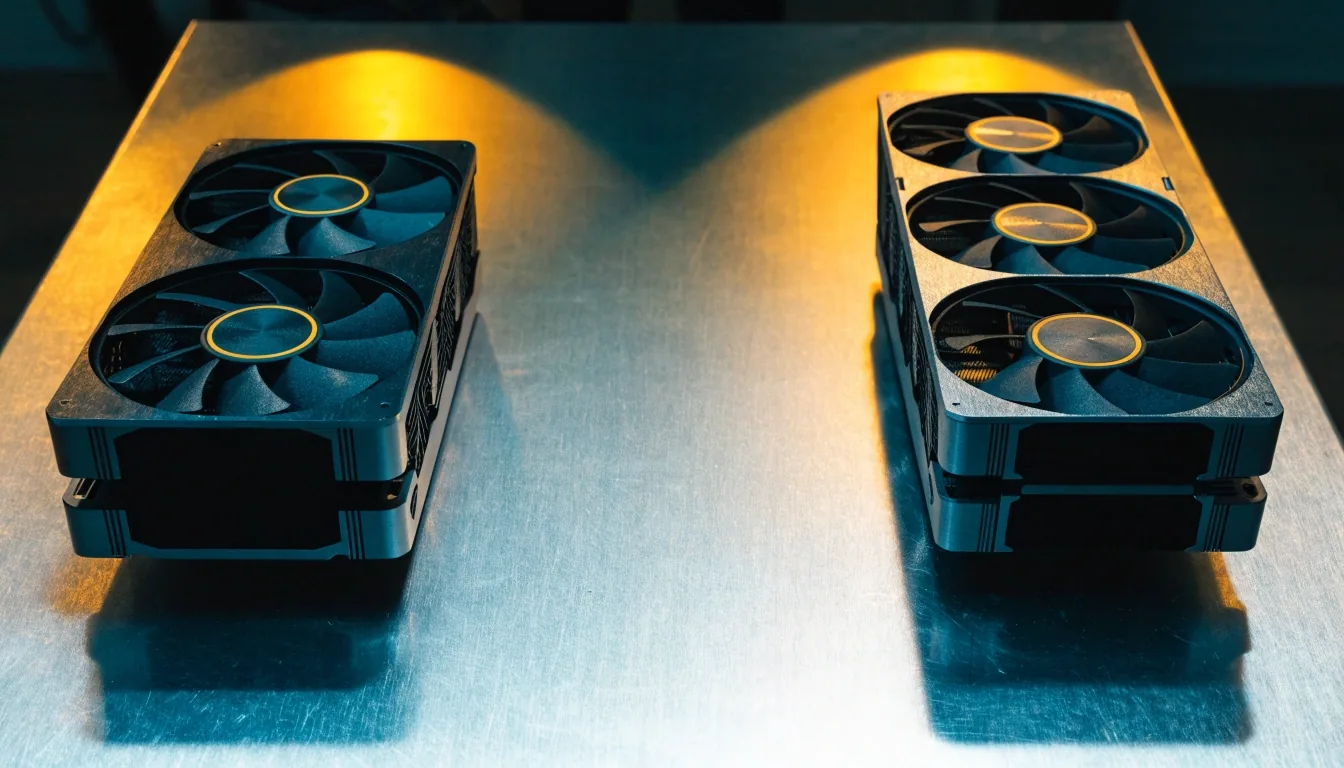
Two graphics cards placed side by side on a workbench under two separate pools of warm lamp light

The two questions we hear most

Putting the shortlist side by side

These two pairings come up in almost every conversation at the counter. The compare page goes deeper, criteria by criteria, but here is the shape of the answer.

1440p mainstream

RTX 5070

Strengths

DLSS, ray tracing

Fits well in

New 1440p builds

Where it falls short

Pricier than AMD

Toss-up

High-end raster

Radeon RX 9070 XT

Strengths

High-end raster

Fits well in

Raster-first builds

Where it falls short

No DLSS

Pricing moves, and Danawa shows you how

Korean GPU prices shift with stock, exchange rates, and distributor allocations. Danawa is where that shows up first, and it is normal to see the same model listed across a range of prices on any given day.

Two tracked moves from earlier in the year are worth knowing about before you set a number in your head. They are the reason our counter conversations start with a range instead of a single figure.

A tracked listing

RTX 5060 Ti 8GB

₩472,500

₩706,120

A dual-fan MSI 5060 Ti

₩740,860

₩1,109,280

Both moves happened inside a short window. That is the pattern we plan around, not a forecast we sell.

Should you wait for prices to settle?

Waiting is a strategy, not a default. If you need a working PC now, waiting costs you months of use to maybe save a fraction of the card's price. If you are upgrading a system that already runs your games acceptably, waiting has no downside and prices do move.

Neither answer is right for everyone, and we will tell you which one fits your situation rather than pushing the sale.

Creator and AI work is part of the buying decision

NVIDIA has been pushing the RTX platform beyond gaming, and RTX Spark showed up in its 2026 COMPUTEX announcements as part of that creator and AI workflow positioning. If you render, edit video, or run local AI models, the VRAM and CUDA question changes which card is right for you.

Tell us the workload, not just the games. A build that renders in the evening has a different memory ceiling than one that only plays.

How to use this site before you contact us

Start wherever your uncertainty is. The catalog lists what we carry by tier and cooler type. The compare page puts RTX 5070 against 5060 Ti, and RX 9070 XT against RTX 5070, category by category. The buying guide covers VRAM, power supply headroom, case clearance, and monitor pairing in order.

If you would rather just talk it through, walk in with questions. That works too.

Questions we answer at the counter

The short versions, ready to read before you come in. The full FAQ page has more.

Which GPU is a good buy for 1440p gaming in South Korea right now?

The RTX 5070 is the mainstream RTX 50-series answer for 1440p, and the RX 9070 XT is the AMD alternative if you do not need DLSS. Both are in-stock questions rather than performance questions at this point.

Should I wait for RTX 50 prices to settle before buying?

If your current PC still runs your games, waiting is reasonable. If you need a working system now, waiting costs you months of use for a price movement that may go either way. We will give you the honest version for your build.

Is the RX 9070 XT a better value than an RTX 50-series card?

It has been less affected by the price pressure on RTX 50 cards because it uses GDDR6 rather than GDDR7. Whether that makes it better value depends on how much you use DLSS and ray tracing.

How much VRAM do I need?

8GB handles current 1080p gaming. 1440p with high textures pushes against it in newer titles. 12GB or 16GB gives you more room before that becomes a limit.

Will a compact card fit my case?

Measure the internal clearance first. Dual-fan cards like the MSI RTX 5060 Ti VENTUS 2X PLUS OC are built for smaller cases, but length varies by model. Bring your case model and we can check.

More answers live on the FAQ page.

A graphics card in a fabric bag on a shop counter at night under a warm lamp, with snow visible through the front window

Visiting the store

We are at 12, Saeun-ro, Jongno-gu, Seoul, 03157. Bring your case model, monitor resolution, current power supply wattage, and a rough budget. That is enough for us to narrow the shortlist to two or three cards on the spot, and to tell you honestly if the card you came in for is the wrong one for your build.

Address

12, Saeun-ro, Jongno-gu, Seoul

Postal code

03157, Republic of Korea

Phone

+82-2-2268-1234

Open

Mon–Fri 09:00–18:00

Not sure you need to come in yet? The catalog, the compare page, and the buying guide cover most of what we would go through together. When you are ready, the contact page has our details and a way to send us a note before you drop by.